
Microsoft Office 2024 LTSC Professional Plus PC Key
913 people viewed this item

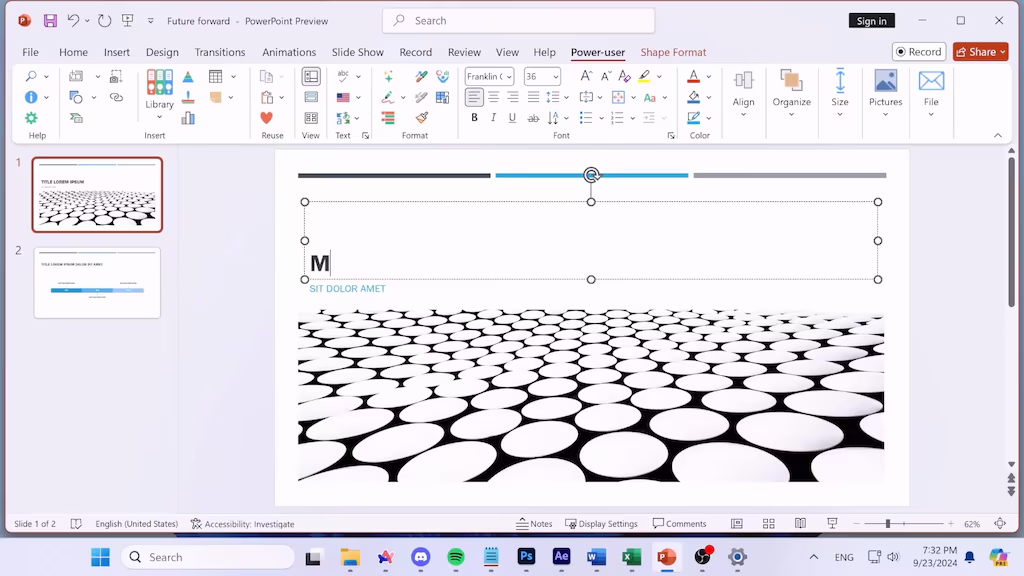
Get Microsoft Office LTSC Professional Plus 2024 for PC with a professional suite of essential productivity applications, including Word, Excel, PowerPoint, Outlook, Access, and OneNote. This one-time digital license is designed for users who prefer a non-subscription Office solution.
Read moreLooking for similar items? There you go!







About this item
This item is a key. It comes with a code you redeem on the matching platform to unlock the content you bought.
- The code is delivered instantly after payment
- Region: GLOBAL — check it matches your account before buying
- Keep your code private until you redeem it
- Digital codes can't be refunded once revealed
Basic info
- Platform
- Business & Office
- Type
- Key
- Region
- GLOBAL
- Category
- Business & Office, Licences, Microsoft Office
Description
Microsoft Office 2024 LTSC Professional Plus (PC) – Microsoft Key – GLOBAL
Complete Office Productivity Suite
Microsoft Office LTSC Professional Plus 2024 provides a comprehensive collection of desktop applications for creating documents, managing spreadsheets, preparing presentations, handling email, taking notes, and working with databases.
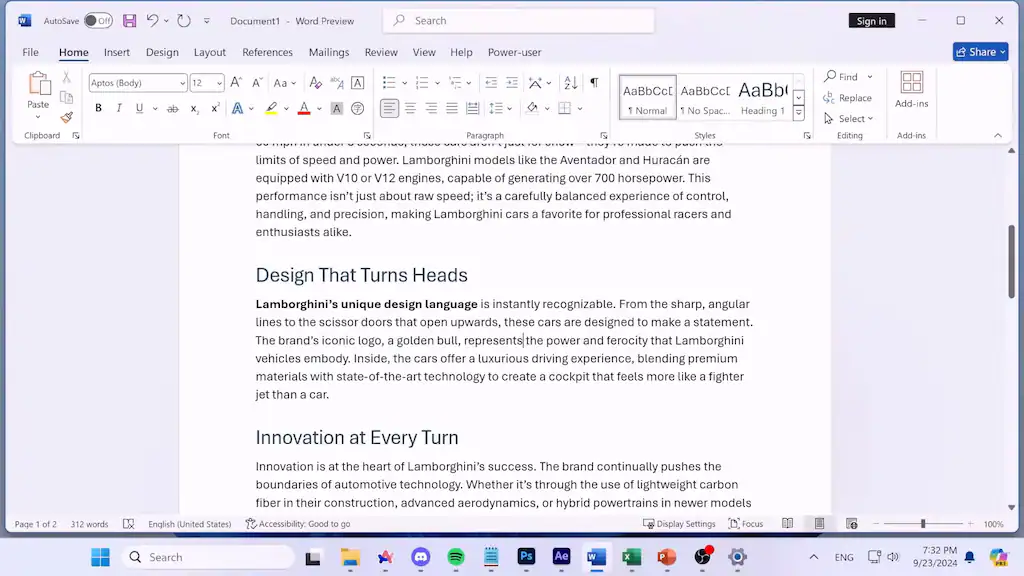
Create Professional Documents
Use Microsoft Word 2024 to create, edit, format, and manage documents for work, education, business, and personal projects.
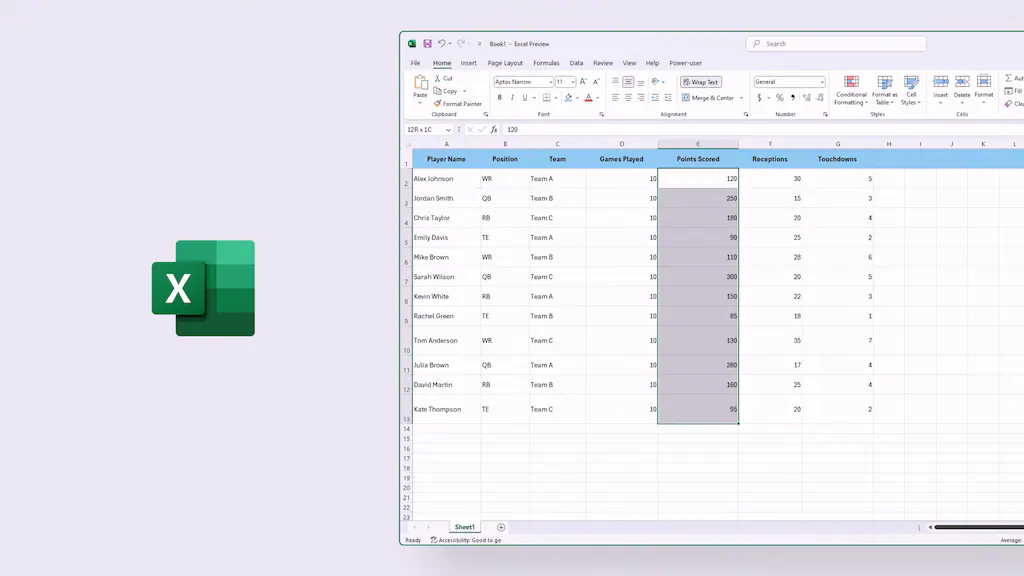
Analyze Data with Excel
Microsoft Excel 2024 provides powerful spreadsheet tools for organizing information, performing calculations, analyzing data, and creating professional charts and reports.
Build Engaging Presentations
With PowerPoint 2024, you can create presentations using professional layouts, visual elements, animations, and presentation tools.
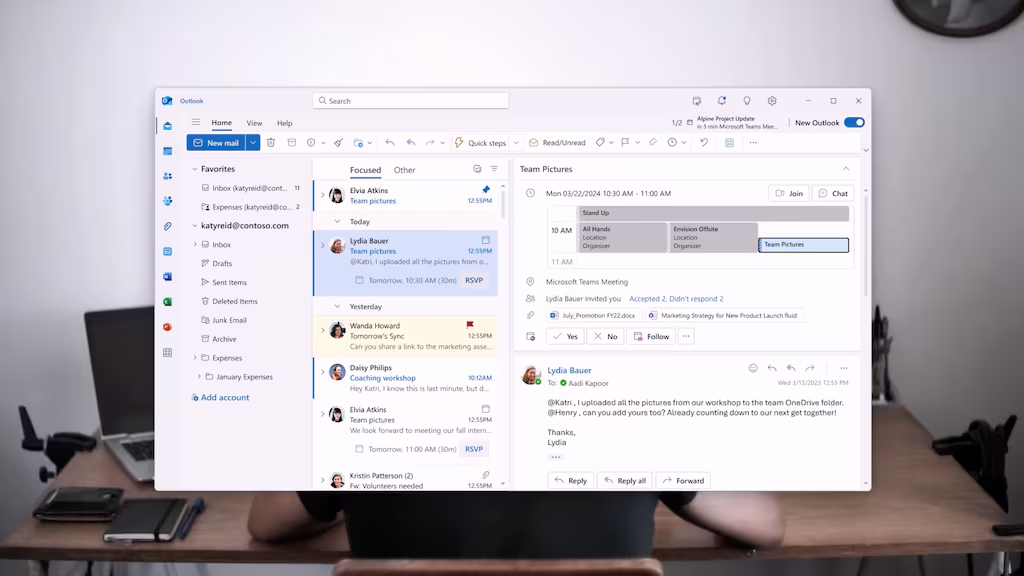
Manage Email and Schedules
Outlook 2024 helps organize email, calendars, contacts, and other communication tasks from one desktop application.
Additional Professional Applications
The Professional Plus edition also includes Access 2024 for database work and OneNote for digital note-taking. Microsoft confirms that Office LTSC Professional Plus 2024 includes Access, Excel, OneNote, Outlook, PowerPoint, and Word.
One-Time Office Solution
Office LTSC 2024 is different from Microsoft 365 Apps. It is designed as a fixed-version Office release rather than a subscription with continuously added features. Microsoft states that Office LTSC 2024 does not receive new feature updates after launch.
Key Features
- Microsoft Office LTSC Professional Plus 2024
- Digital Microsoft product key
- Global region listing
- Word 2024
- Excel 2024
- PowerPoint 2024
- Outlook 2024
- OneNote
- Access 2024
- One-time purchase model
- Available in 32-bit and 64-bit versions
- Designed for professional and productivity use
- No recurring Microsoft 365 subscription required for the license itself
Included Applications
Microsoft Word 2024
Create and edit professional documents, reports, letters, and other written content.
Microsoft Excel 2024
Work with spreadsheets, formulas, data analysis, tables, and charts.
Microsoft PowerPoint 2024
Design presentations for business, education, meetings, and other projects.
Microsoft Outlook 2024
Manage email, calendars, contacts, and scheduling.
Microsoft Access 2024
Create and manage databases and data-driven applications.
Microsoft OneNote
Organize notes, ideas, research, and other information digitally.
Microsoft officially lists these applications as part of Office LTSC Professional Plus 2024 for Windows.
Product Details
- Product: Microsoft Office LTSC Professional Plus 2024
- Platform: Microsoft
- Edition: Professional Plus
- Version: 2024
- Product Type: Digital Product Key
- Activation: Microsoft Office
- Region: GLOBAL
- Device: PC / Windows
- License Model: One-Time Purchase
- Delivery: Digital Key
- Applications: Word, Excel, PowerPoint, Outlook, Access, OneNote
This product as a Microsoft Office 2024 LTSC Professional Plus PC Microsoft Key – GLOBAL. It currently indicates activation in the United States, so customers should verify regional restrictions before purchasing.
How to Activate Microsoft Office 2024
- Make sure your PC meets the Office LTSC 2024 system requirements.
- Remove incompatible previous Office installations if required.
- Download the appropriate Office installation files through Microsoft’s supported deployment or installation process.
- Install Office LTSC Professional Plus 2024 on your Windows PC.
- Enter the provided product key when prompted or activate the installed Office product according to Microsoft’s activation procedure.
- Complete the activation process.
- Open Word, Excel, or another Office application to verify that the product has been activated successfully.
Important: Office LTSC 2024 is primarily a volume-licensed commercial product. Microsoft documents deployment and activation through volume licensing methods such as MAK or KMS. Make sure the purchased key and license type are compatible with the intended activation method.
System Requirements
Minimum Requirements
- Operating System: Windows 11
- Supported Windows versions: Windows 11, Windows 11 LTSC 2024, Windows 10 LTSC 2021, Windows 10 LTSC 2019, Windows Server 2025, Windows Server 2022
- Processor: 1.1 GHz or faster, 2-core processor
- RAM: 4 GB
- Storage: 4 GB available disk space
- Display: 1280 × 768 or higher
- Graphics: Direct3D 9.1 or later with WDDM 1.3 or higher driver
- Browser: Current Microsoft Edge, Chrome, or Firefox
Microsoft’s current Office LTSC 2024 requirements specify a minimum 1.1 GHz dual-core processor, 4 GB RAM, 4 GB available storage, and a 1280 × 768 display.
Important Information
- This product is a Microsoft Office LTSC Professional Plus 2024 PC key.
- It is GLOBAL, but regional activation restrictions may apply.
- Office LTSC 2024 is different from Microsoft 365 and does not provide the same continuously updated feature set.
- Office LTSC 2024 does not receive new feature updates after launch.
- The product is intended for Windows PCs.
- Make sure your existing Office installation is compatible before installing LTSC 2024.
- Microsoft recommends the 64-bit version for devices with 4 GB or more of RAM, although compatibility considerations may require 32-bit Office in some environments.
- Internet access may be required for certain activation methods; Microsoft states that internet connectivity is required for MAK activation but not for KMS activation.
- This product is not a Microsoft 365 subscription.
Reviews
Check what our customers think of this title
Overall item rating
No reviews yet — be the first to review this item.
Rating
Review this item
Share your experience to help other customers choose.
Only logged in customers who have purchased this product may leave a review.
Why G2U?
Licences
- Microsoft Office Home & Business 2019 (MAC Key, Lifetime)
- Microsoft Office Home & Student 2019 (PC Key, Lifetime)
- Microsoft Office Home & Business 2019 (PC Key, Lifetime)
- Microsoft Office LTSC 2021 Standard (PC Key)
- Microsoft Office Home & Business 2016 (MAC Key)
- Office 2021 Professional Plus x4 Bundle (PC Key)
- Microsoft Visio 2024 - LTSC Professional (PC Key)
- Microsoft Office Professional 2016 (PC Key, Plus)